R36 Max guides
Practical guides and comparisons for the R36 Max
Square screen, microSD cards, battery life and firmware: clear explanations based on the available documentation, to help you choose and get the most from your console.
-
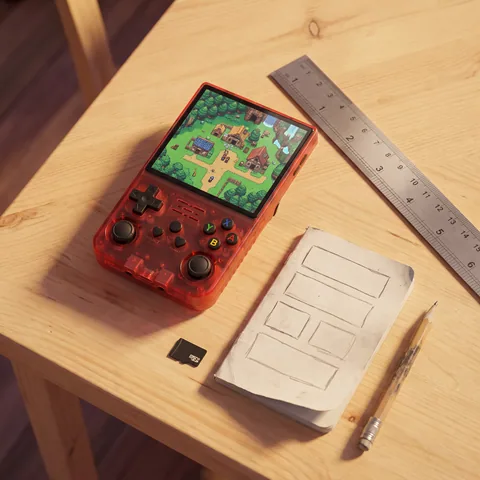
R36 Max vs R36S vs R36 Ultra: which should you buy?
R36 Max, R36S or R36 Ultra: square or 4:3 screen, battery, Wi-Fi, same RK3326 chip. A spec-sheet comparison to help you choose the right one.
Read -
R36 Max firmware and ArkOS: how to update safely
Stock firmware, ArkOS, dArkOS4Clone: back up the R36 Max system card, choose a 720 × 720 image and restore it if the screen goes black.
Read -
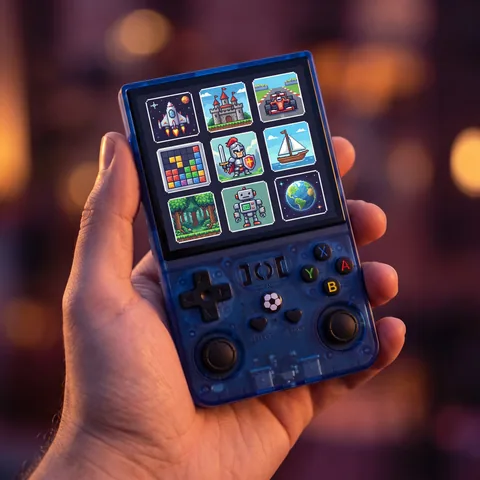
R36 Max emulation: what runs well, PS1, N64, PSP
What the R36 Max (RK3326) emulates well, what depends on the game and what is out of reach: 8 and 16-bit, PS1, N64, PSP, the square screen and the law.
Read -
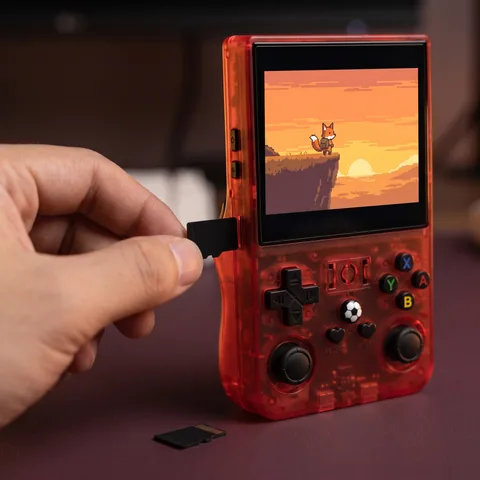
R36 Max 64GB vs 128GB: which microSD card to choose
64GB or 128GB for your R36 Max? What capacity really changes, what the TF1 and TF2 slots do, which microSD card to buy and why to back up first.
Read -
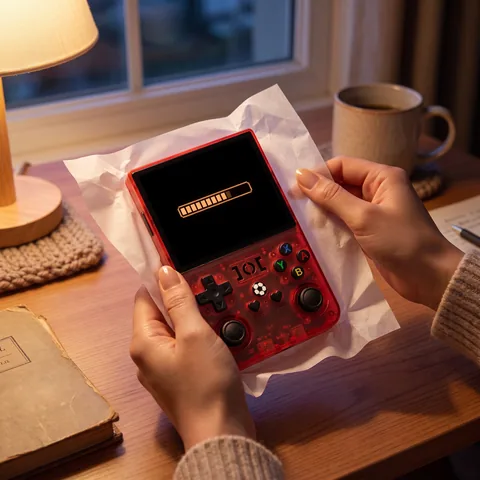
R36 Max setup guide: first charge, settings and games
R36 Max guide: what's in the box, first charge, TF1 and TF2 cards, the EmulationStation menu, controls, adding games and shutting down safely.
Read -
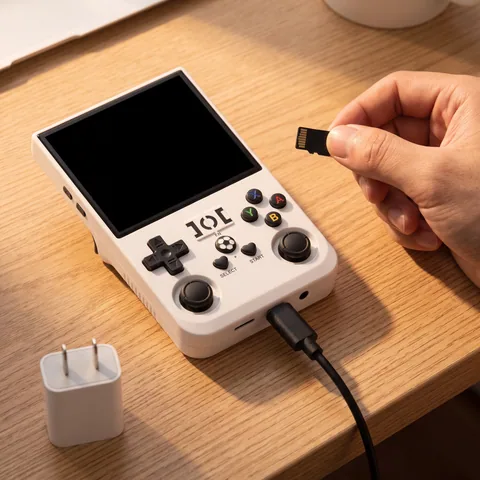
R36 Max not turning on or black screen: how to fix it
R36 Max won't turn on or shows a black screen? Check the DC charging port, Power and Reset buttons, TF1 card, 720 × 720 firmware and missing games.
Read


Our guides are based on the supplier's product sheets and publicly available documentation. We don't claim any hands-on testing.